- Stills and recordings
- Both chords land in the same place. A screenshot from Command Shift 4 and a screen recording from Command Shift 5 sit together, newest first.
- Found, not watched
- macOS tags every capture, so Aspects asks the index rather than guessing at a folder. That matters, because the save location is a preference and yours may not be the Desktop.
- Four marks, five colours
- A numbered note, an arrow, a box and a line of text. Enough to say where to look and what is wrong, and not enough to turn a screenshot into a drawing.
- The original is never touched
- Marks live in a sidecar keyed to the file itself, so the capture on disk stays the bytes your Mac wrote. Export an annotated copy when you want one.
- Straight into a tool
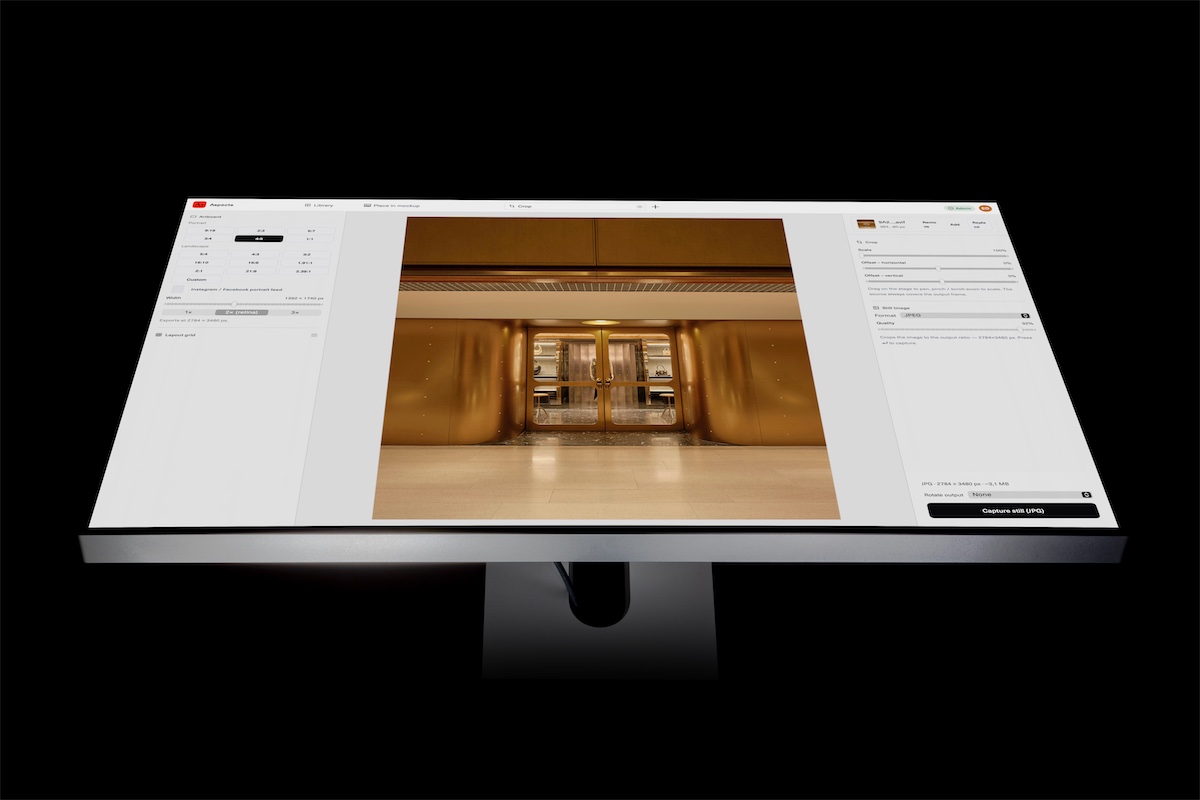
- Hand a capture to Frame, Crop or a device mockup and the artboard opens with it already in place. No save, no re-import, no copy in your Downloads.
- A shelf, one key away
- Captures sit in the menu bar beside your last exports and final assets. Drag one into any app, or press Control Command C for the newest.