Spotlight
Device mockup
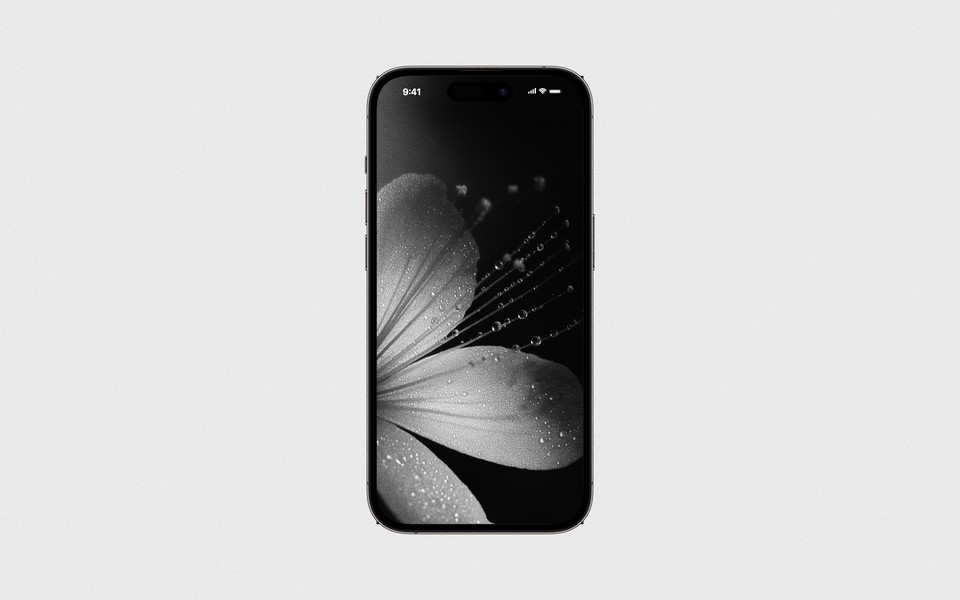
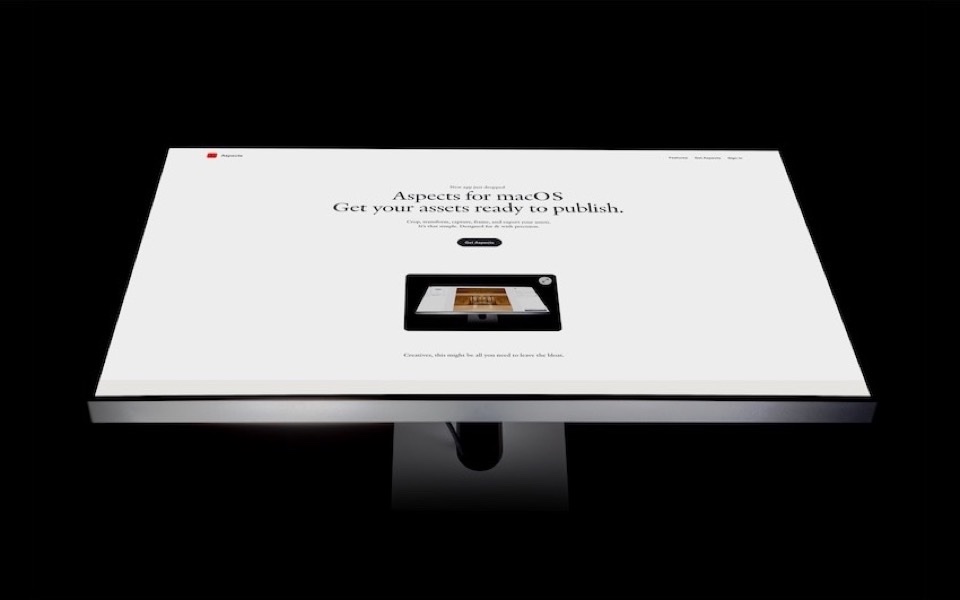
Put an image, a video, or a live website inside a bundled iPhone, iPad or MacBook. A website is captured at the chassis screen's own pixel width, so it lands perfectly sharp.
One of the tools in Aspects for macOS. $19 once, cloud optional.
What it is for
Showing a design in a device, so the thing on screen reads as a product rather than a flat rectangle. An app screenshot in an iPhone, a site in a laptop, a video playing on a phone in a feed post.
Three kinds of source
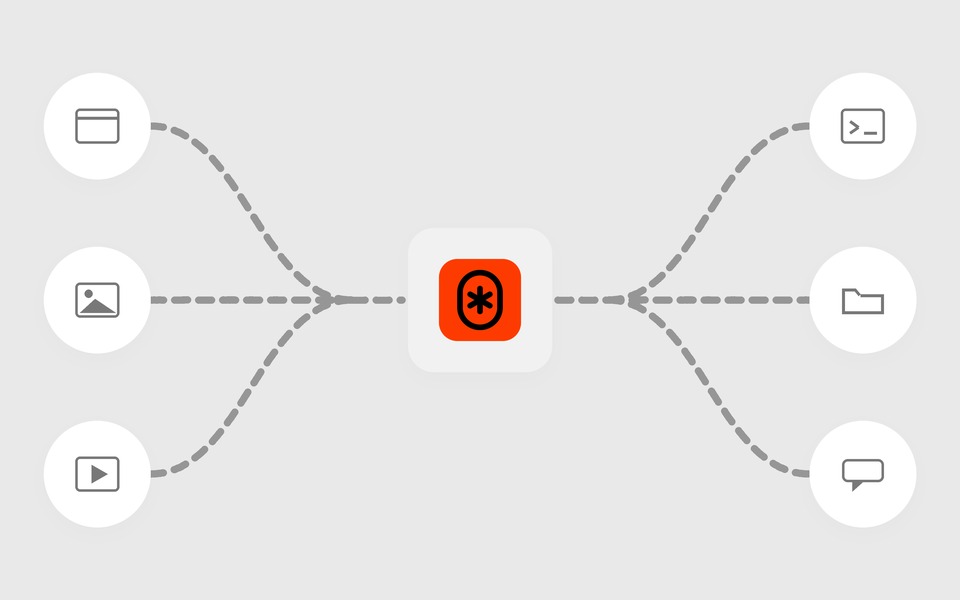
The screen can hold an image, a video, or a live website. That last one is the useful one: give it a URL and Aspects loads the page in a real WebKit view and renders it into the chassis, so the mockup is the current site rather than a screenshot taken last month.
The chassis themselves ship with the app as photographic renders, not vector outlines, so the result has real glass, real edges and real light.
How it works
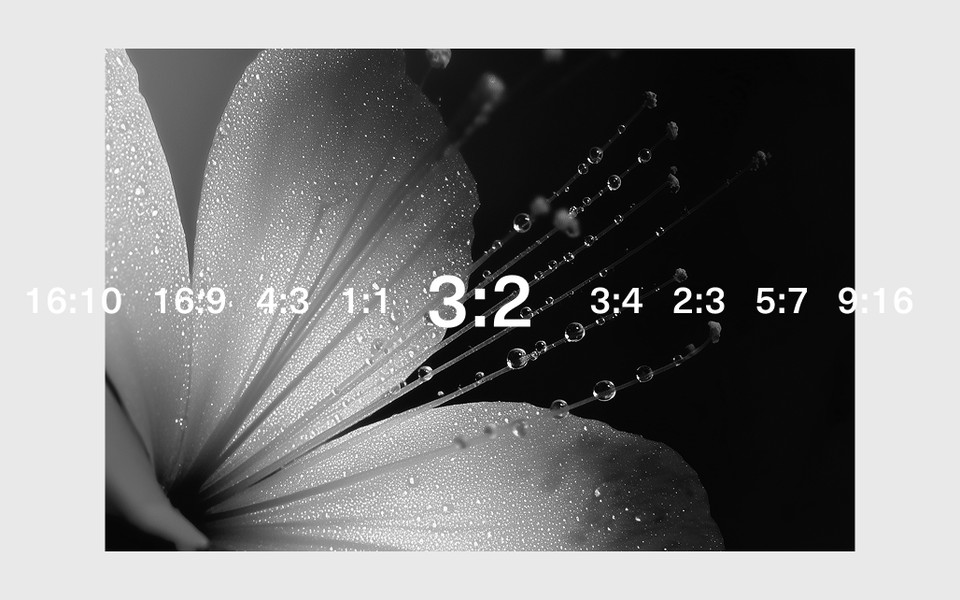
Pick a chassis, pick a source, set the output ratio and background. The design is warped into the screen's perspective automatically — you are not nudging corners into place.
An image or a website source exports a still. A video source exports an MP4 with the video playing in the screen.
What you get
- PNG or JPEG for an image or website source
- MP4 for a video source
- Any output ratio and background around the device
One honest limitation
Device Mockup is deliberately single-source: one chassis, one screen. Frame and Crop take a whole set and export a batch, but a device has one screen and a gallery of them would be a different tool. If you need the same design in five chassis, that is five artboards.