AI features.
Only when it adds.

Translate a passage, rewrite one, or fit a line to the frame it has to sit in.
Paid for with credits you buy outright.

In the app. Credits bought separately.

What it does

Translate a passage
Select text in a note and get it in another language, with the register and the typography terms intact. Apple's own takes no instructions.
Rewrite what you wrote
Tighten a paragraph, change its tone, or turn notes into a sentence. It replaces the selection as one undoable step, so one press of Command Z puts back exactly what you had.
Fit text to the frame
A line too long for the box it has to sit in, shortened to fit rather than shrunk. The frame keeps the size you set and the words do the moving.
A credit is a thousand tokens
Translating a paragraph costs one. A rewrite costs about three. The balance sits in the app beside the features, so you see what a thing cost.
Bought once, never expires
A pack is a single purchase. Nothing renews, nothing lapses, and a month you do not use costs nothing. It needs the app and nothing else, so it works without a cloud tier.
Off until you use it
No request leaves your Mac until you run a feature, and the switch in Settings hides them. What you selected goes out, the result comes back, and neither is kept.

AI credits.
Three sizes, start small.

Small

500 credits.

$9

Paid once. Nothing renews.

  • 500 credits, no expiry
  • Translate, rewrite and fit
  • Works without a cloud tier
  • In the app or right here

Medium

1,500 credits.

$25

Paid once. Nothing renews.

  • 1,500 credits, no expiry
  • Translate, rewrite and fit
  • Works without a cloud tier
  • In the app or right here

Large

4,000 credits.

$60

Paid once. Nothing renews.

  • 4,000 credits, no expiry
  • Translate, rewrite and fit
  • Works without a cloud tier
  • In the app or right here
zsh

claude mcp add aspects -- /Applications/Aspects.app/Contents/Helpers/aspects-mcp

Added MCP server aspects.

The other direction

Aspects MCP is the opposite arrow: an assistant you already run, acting on your behalf, reading your library or starting a render.

Aspects MCP

Aspects for Mac.
Framing new fresh takes.

Creative tools and proper infrastructure for your work and visual assets.
Your agents rather like it too.
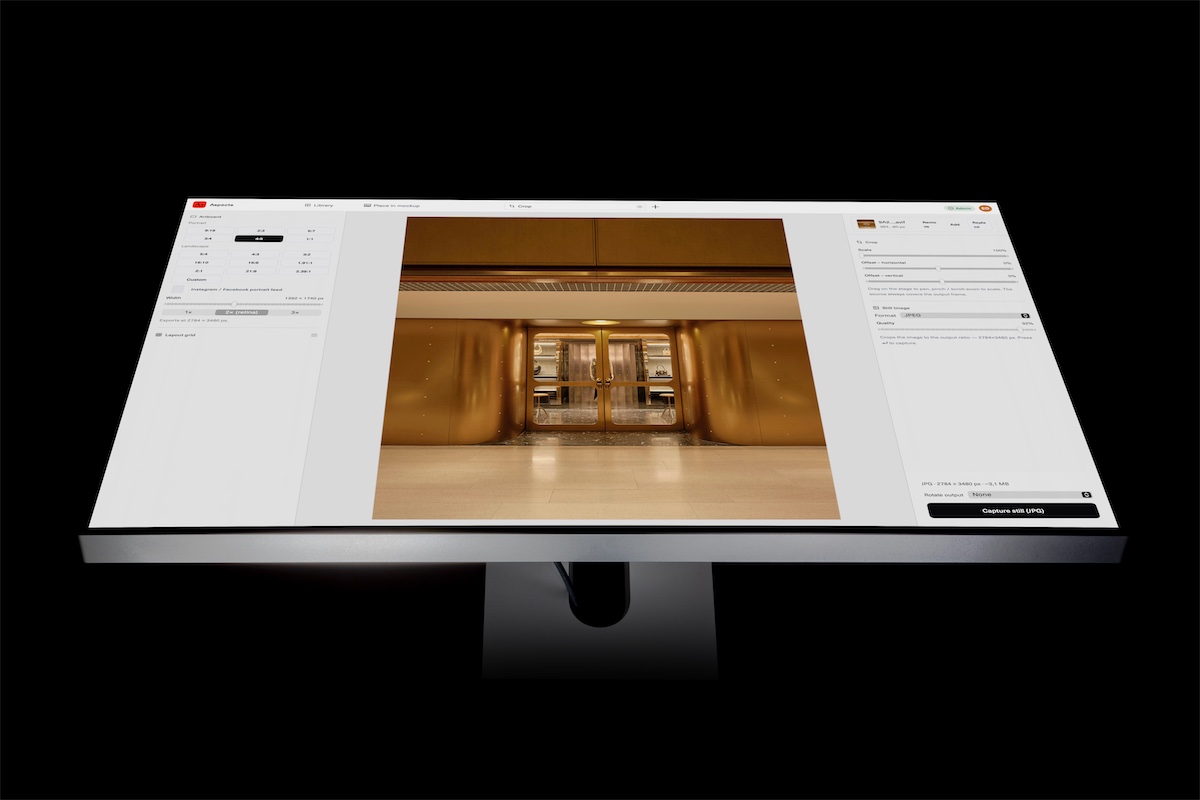
Aspects open on a monitor, editing an image

Creatives, this might actually be all you need.