Optional cloud.
Enable a frontier workflow.

Base

Cloud sync, share and publish from iPhone.

$4.50/ month

Billed yearly at $54. With the $19 app, paid once.

  • 15 GB cloud storage
  • Your library on every Mac
  • iPhone app, share and publish
  • Assets API, the same on every plan
  • Exports kept until you delete them
Get Base

Growth

Everything in Base, with headroom for video.

$9/ month

Billed yearly at $108. With the $19 app, paid once.

  • 35 GB cloud storage
  • Your library on every Mac
  • iPhone app, share and publish
  • Assets API, the same on every plan
  • Exports kept until you delete them
Get Growth

Pro

Everything in Growth, for heavy creator territory.

$21.75/ month

Billed yearly at $261. With the $19 app, paid once.

  • 90 GB cloud storage
  • Your library on every Mac
  • iPhone app, share and publish
  • Assets API, the same on every plan
  • Exports kept until you delete them
Get Pro

Reach. Share. Publish.
Anywhere.

Your library on every Mac, and every export on your phone.
The app renders locally with all of it switched off.

The app is yours either way.

What the cloud does

The same library on every Mac
Artboards, folders and their thumbnails travel, so the work you started on one machine opens on another with its settings intact rather than as a file you have to re-import.
Publish a deck to a link
A presentation goes up as an unlisted URL you send. Put a password on it, revoke it when the job is over, and the reader sees it as you published it.
Exports waiting on your phone
Every export and final asset lands on the iPhone as it renders, so the file is already there when you are standing somewhere else with a post to make.
Notes you can write anywhere
Notes read and edit on the phone and sync back. Edit one in two places and the second becomes a copy, because losing a paragraph is worse than having two.
Final assets, not just exports
The files you marked as finished sync under the names you gave them, so the thing you hand over is findable by what it is rather than by the tool and the pixel size that made it.
Storage you can see
Exports, final assets and screenshots from your phone all count towards your tier's ceiling, and the app shows what you are using. Nothing is deleted when you cancel.

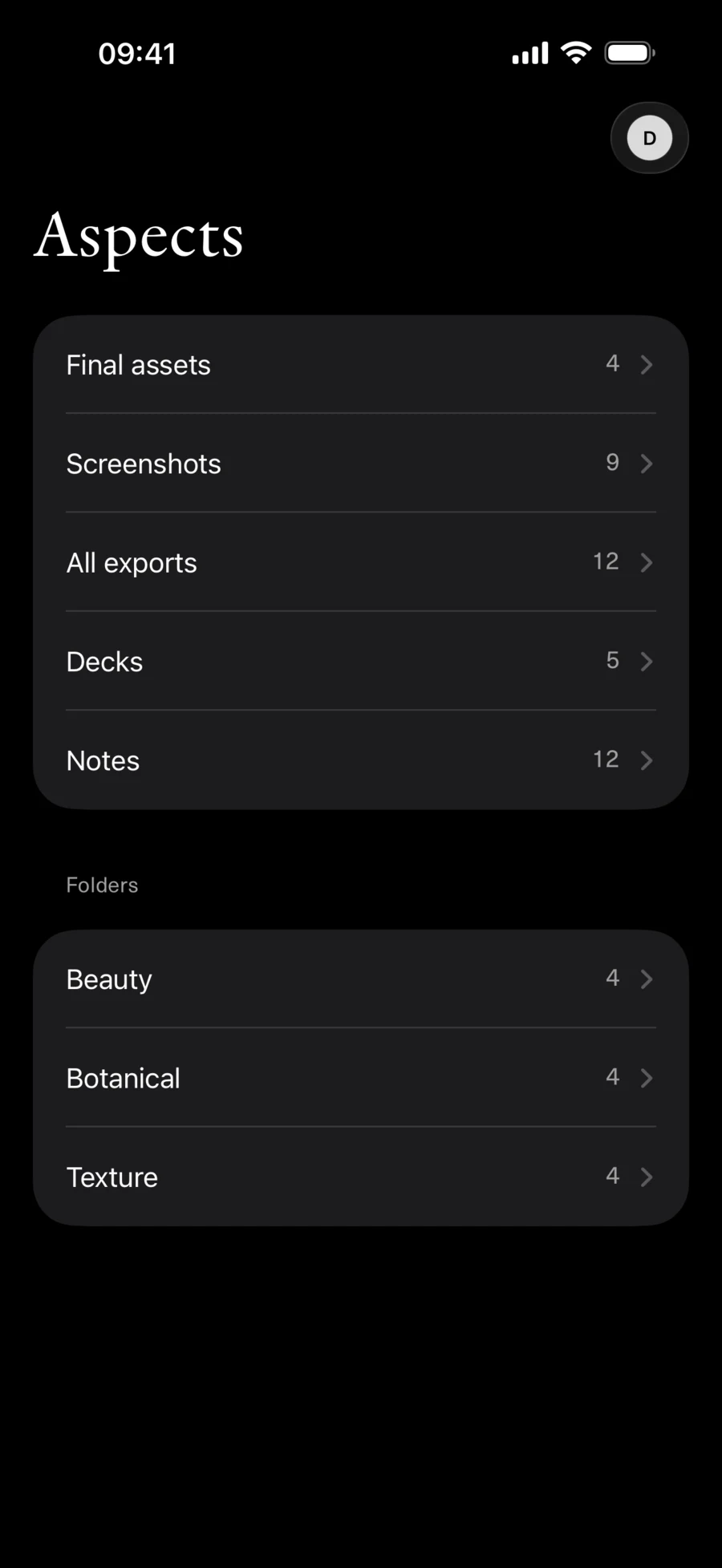
The Aspects companion on iPhone in dark mode, listing final assets, screenshots, exports, decks and notes above the folders they are filed in

On your phone

The companion app comes with every tier rather than with the Mac purchase, because it reads the cloud library. Exports, published decks and notes, in the folders you filed them in.

The iPhone companion

Aspects for Mac.
Framing new fresh takes.

Creative tools and proper infrastructure for your work and visual assets.
Your agents rather like it too.

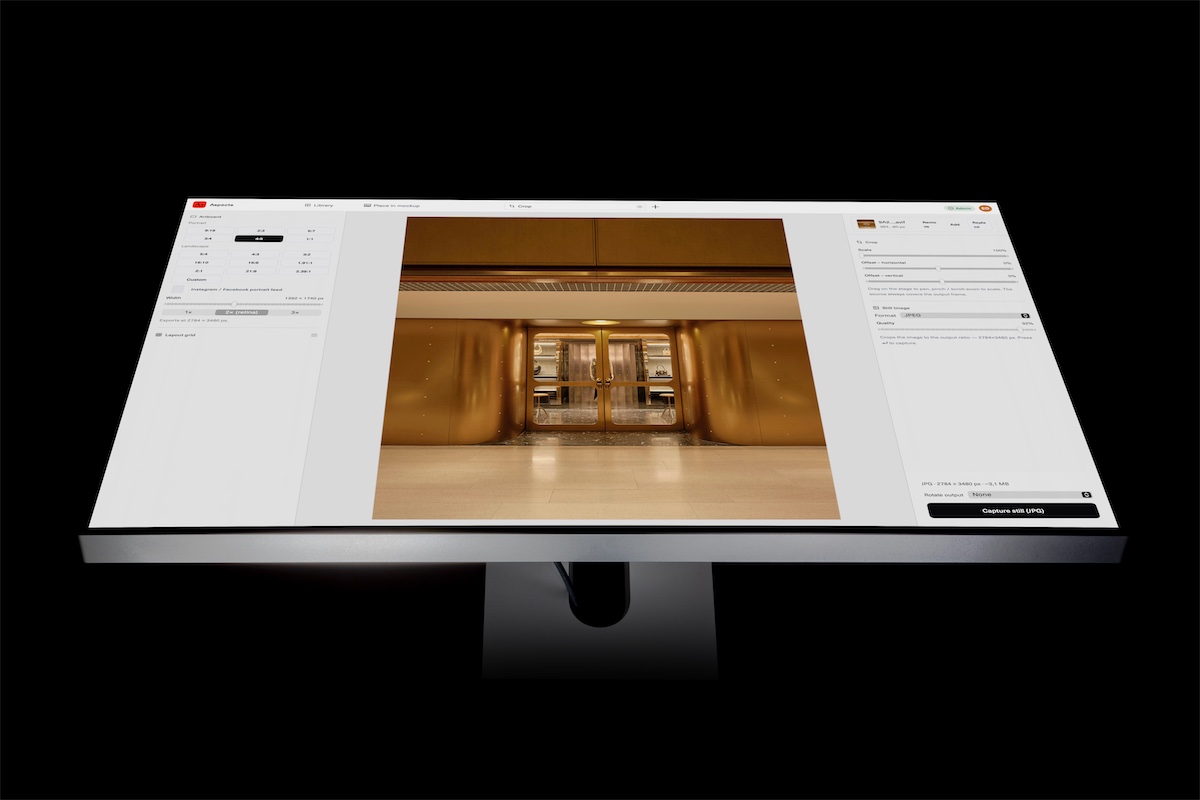
Aspects open on a monitor, editing an image

Creatives, this might actually be all you need.