Spotlight
Place in mockup
Open a Photoshop mockup, replace the smart object with your design, and export the scene. The PSD is converted once into a small runtime format, so no Photoshop and no PSD parser is involved after the import.
One of the tools in Aspects for macOS. $19 once, cloud optional.
What it is for
Putting a design into a photograph. A poster on a wall, a card on a desk, a book on a table, a sign in a street — the scene is a real photograph and your artwork sits in it as though it were there.
Where Device mockup uses a chassis that ships with Aspects, Place uses a mockup you brought. That is the distinction: one is a device we supply, the other is any scene you own.
It reads Photoshop mockups
Commercial mockups are sold as layered .psd files with a smart object where the artwork goes. Aspects imports one, finds that placement, and converts it once into its own format — so you can use the mockup library you already bought without opening Photoshop.
After the conversion the mockup is a file in your library. Reuse it with different artwork as often as you like; the import happens once.
How it works
Import the mockup, drop in your design, and it is warped into the placement with the scene's own perspective, lighting and texture on top. What made the photograph convincing — the shadow across the paper, the grain of the desk — stays convincing, because it is still the photograph.
What you get
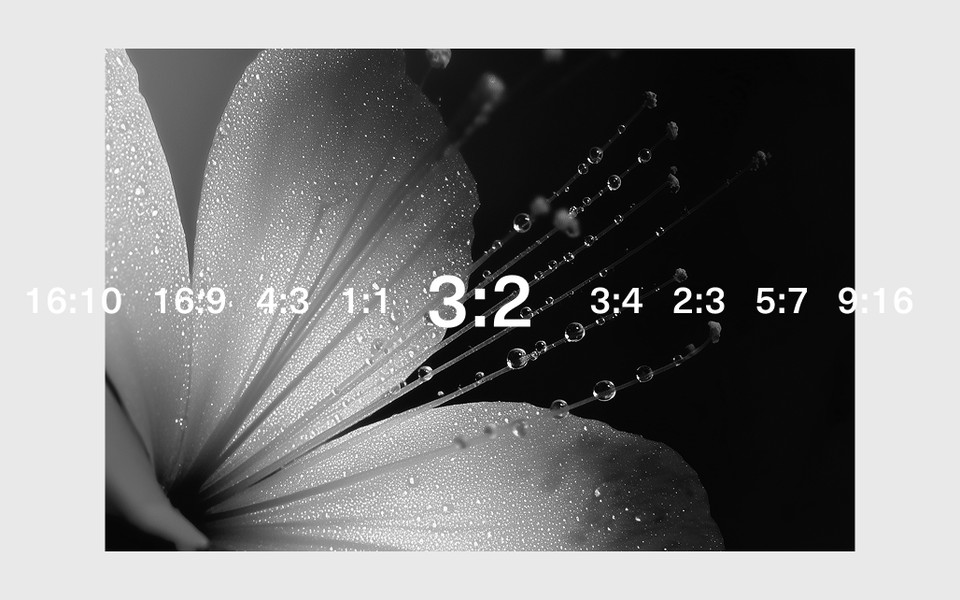
- PNG or JPEG at any output ratio
- A converted mockup you can reuse with any artwork
One honest limitation
A mockup is only as good as its source. A .psd whose smart object is small or low resolution will produce a soft result no matter what you place in it, and no amount of export quality recovers detail the scene never had.