Spotlight
Frame media
Drop in an image or a video, fit it into the content box, export a still or an MP4. Ken Burns motion for stills, trimming for video, composed natively with AVFoundation.
One of the tools in Aspects for macOS. $19 once, cloud optional.
What it is for
Putting an image or a video onto a canvas with room around it. A render on a coloured ground, a screenshot with margin so it does not fight the edge of a post, a set of photographs on one consistent backdrop.
The distinction from Crop is the frame. Frame keeps the whole source visible and gives it space; Crop fills the output edge to edge and lets you choose what falls outside it. Two tools rather than one option, because the decision is made before you start rather than during.
How it works
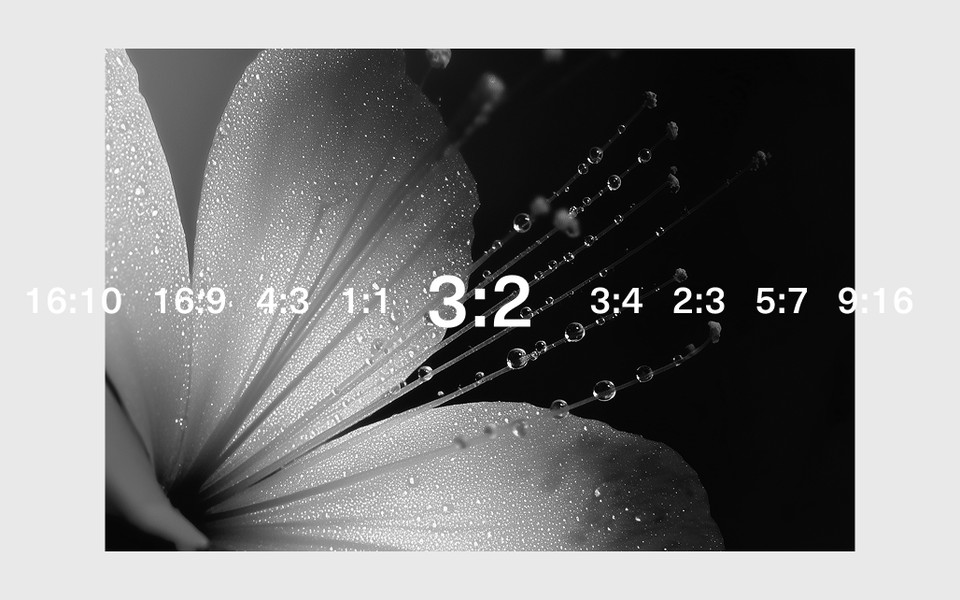
Drop in a file and set three things: the output ratio, how much margin, and what the ground is. The source sits inside that frame according to a fit mode, and what you see is what exports.
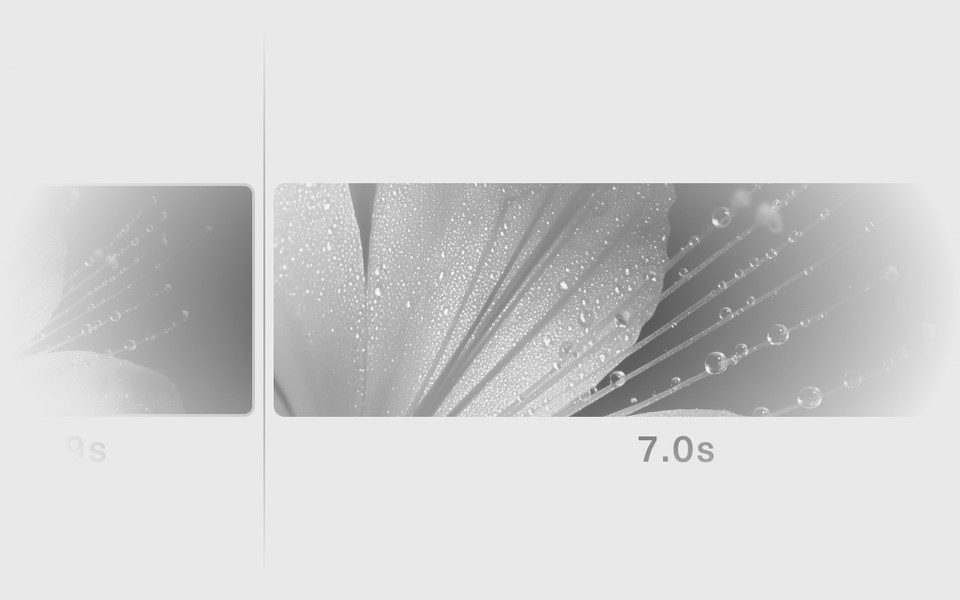
A still can be a still. A still can also be a video: give it a duration and an optional Ken Burns move, and it exports as an MP4 at 30fps. A video source can export either as a trimmed clip composited into the frame, or as a single frame of it, whichever you need.
Sets, not just files
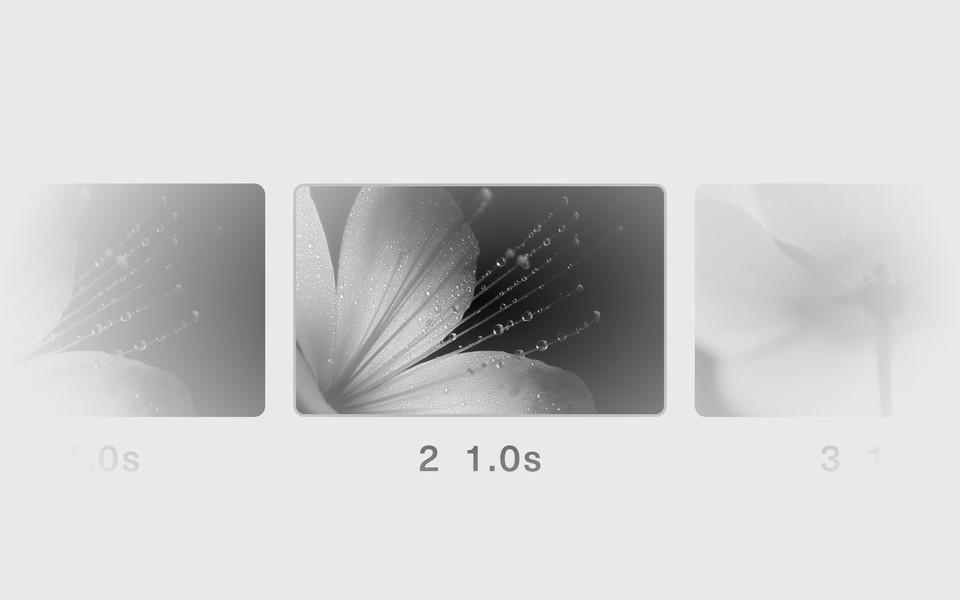
Frame takes a set. Select several files, or drop several at once, and you get a gallery: one crop, one fit, one output size, applied to all of them, exported in one press.
The important detail is what "the same crop" means. It is the same transform, not the same pixel rectangle — each source is fitted from its own native size through the shared scale and offset. A set of differently shaped files comes out consistently framed rather than identically cropped, which is what you actually wanted.
A set has to be all images or all videos. That is not an arbitrary rule: one flag decides the output mode, the trim controls and the exporter, and a mixed set would make all three ambiguous.
What you get
- PNG or JPEG for a still
- MP4 for a video, or for a still given a duration
- Batch export across a whole set, named by your export pattern
One honest limitation
Audio is dropped when a video is composited into a frame. If the sound matters, Cut video is the tool that keeps it.