Spotlight
Cut video
Trim, split and drop sections of a video on a timeline, then write one MP4. The only tool that assembles its output from several pieces of the source, and the only one that touches audio.
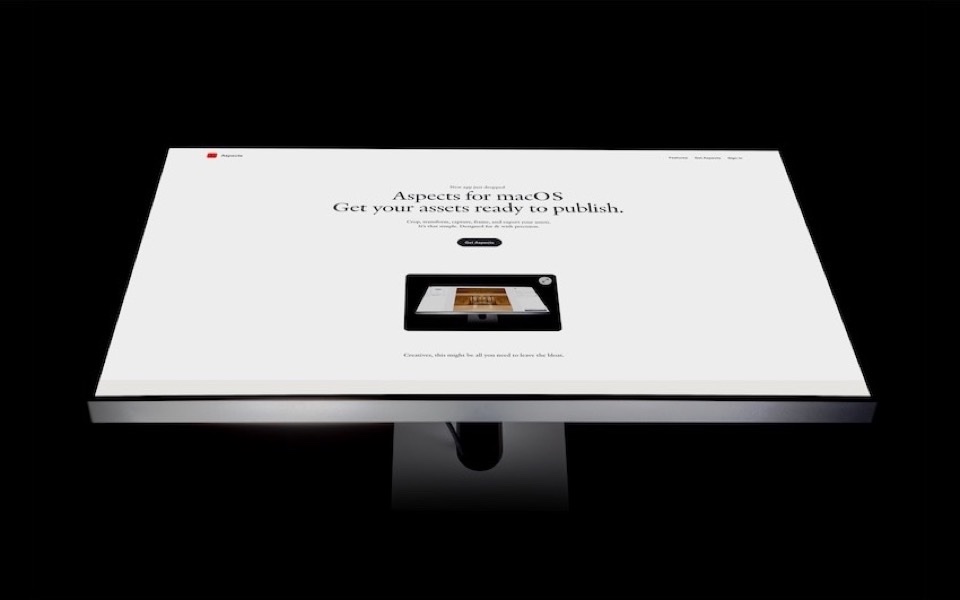
One of the tools in Aspects for macOS. $19 once, cloud optional.
What it is for
Taking the dead parts out of a video without opening an editor. The pause before you started talking, the fumble in the middle, the thirty seconds after the point was made.
This is the only tool in Aspects whose output is assembled from several pieces of its source rather than being a transform of the whole of it — and the only one that touches audio.
How it works
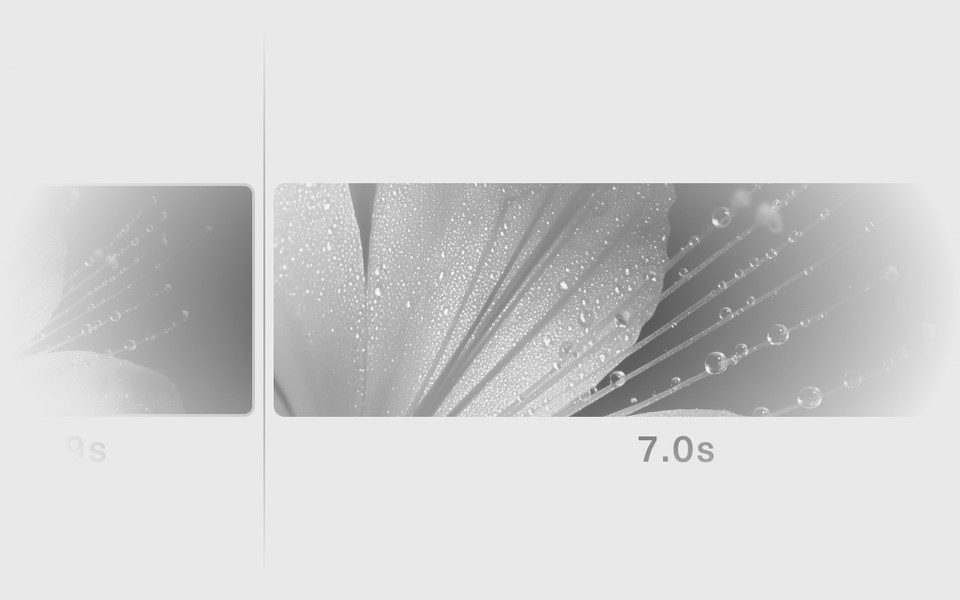
Load a video and you get a timeline. Set the in and out points, split where you want a cut, and drop the segments you do not need. What is left joins in order and exports as one MP4.
The operations are the three that cover almost every real cut: trim the ends, split in the middle, remove a section. There is no transition, no title card and no colour grade, because a tool that does five things well is more useful than one that does thirty adequately.
Audio survives
Elsewhere in Aspects a video is picture: framed, cropped, composited, and the audio is dropped because none of those operations know what to do with it. Cut is different. A cut video keeps its sound, joined across the segments you kept.
What you get
- One H.264 MP4, with audio
- A compression preset, the same as Crop, so the file suits where it is going
One honest limitation
This is a cutting room, not an edit suite. No multi-track, no cross-fades, no music bed, no colour work. If the job needs those, it needs Final Cut — and if it needs a clip shortened before it goes in a post, it needs this.