- A shelf in the menu bar
- The last screenshots and the last exports, interleaved by time. Documents stay in the library; this is for files you are about to send somewhere.
- Screenshots found properly
- macOS tags every capture, so Aspects asks the index rather than watching a folder — which matters, because the save location is a preference.
- One key to the clipboard
- Control Option Command C puts the newest screenshot on the clipboard from any app, without Aspects having to be in front of you.
- One copy, three flavours
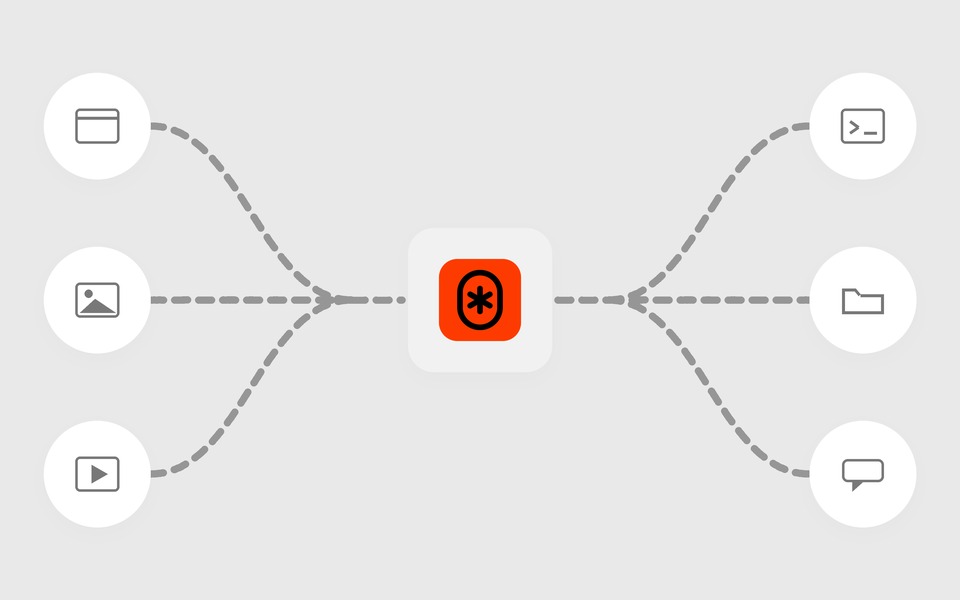
- A path for a terminal, a file reference for Finder, and the pixels for a chat window. Each app takes the richest one it understands.
- Drag straight out
- Pull a row into any app that accepts a file, or click it to copy. Filter the shelf to screenshots, to exports, or leave it on everything.
- Start an artboard from it
- Hand a screenshot straight to Frame, Crop or a device mockup from the shelf, and the artboard opens with the file already in it.