How it is built
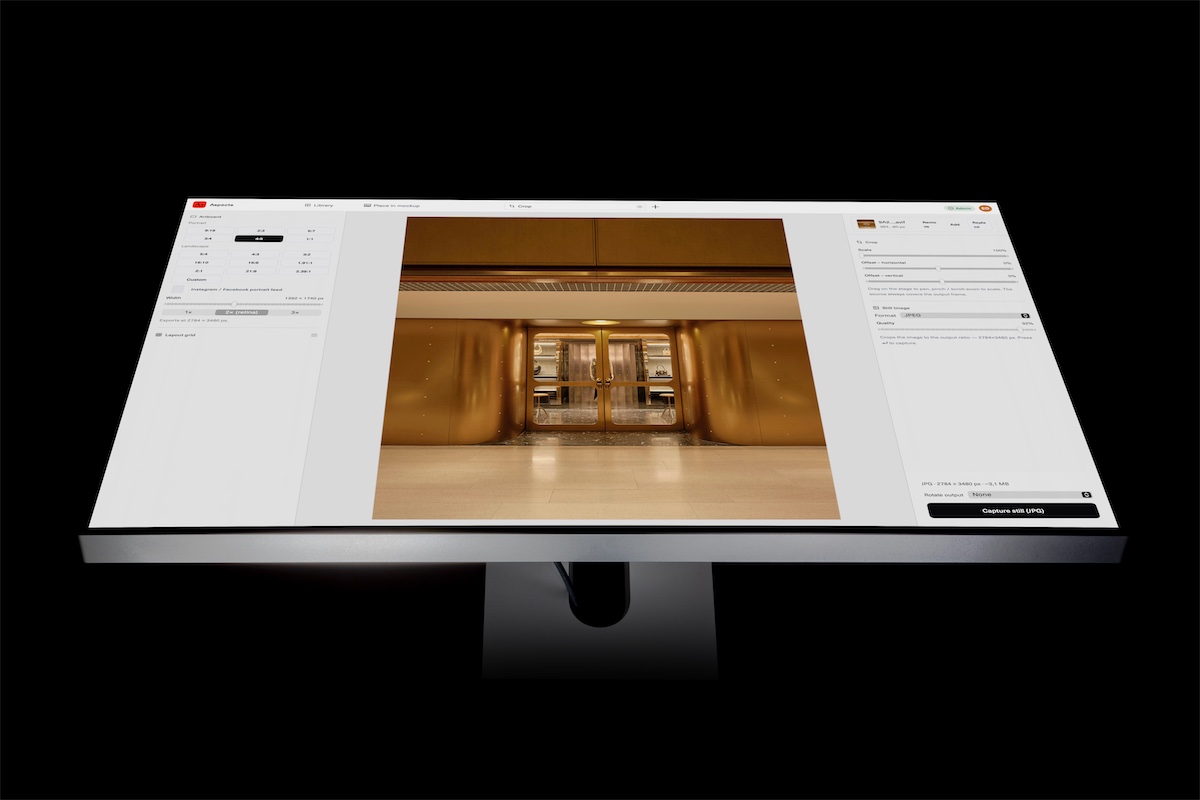
Aspects keeps one library. Everything you make lives in it: the nine tools' artboards, your decks, your notes, and every picture and clip you have brought in. It is a folder on your own Mac, and the app is the only thing that writes to it.
That one decision is where the rest of this comes from. Work that lives in a library does not have to be named, filed or found again, which is most of what using a creative tool actually consists of. It can be asked about, because there is one place to ask. And it can stay entirely on your machine, because nothing has to be uploaded for any of it to work.
Nothing asks you where to put it
There is no new-file dialog and no save dialog. You pick a tool, the thing exists, and it is already somewhere. That sounds like a small convenience and it is the difference between a tool you reach for forty times a day and one you open deliberately.
Folders are a property of the work rather than a place it sits. Putting an artboard in a project copies nothing and moves nothing, so one source can belong to two jobs at once, which a folder on a disk cannot express without a duplicate.
The work comes out as ordinary files
A library that kept everything would be a trap, so the way out is the point rather than an afterthought. Every render is an ordinary file in an ordinary folder: PNG, JPEG, WebP, MP4 and GIF in ~/Movies/Aspects, a deck as a PDF, a deck you want to show as a link you can revoke.
Mark an export as final and Aspects mirrors it into a Finder folder under the name you typed, because the name you chose is the one you will go looking for. None of that needs Aspects to be running.
Nobody else can reach your sources
When you bring a photograph or a clip into Aspects it is copied into the library on your disk. It is never uploaded. Not to us, not to anyone, and not when you turn cloud on: the only things that ever leave your Mac are the files you exported, their previews and the small thumbnails the Library draws. Your originals are not among them.
Rendering happens on your machine too, so the pictures you are working on are never sent anywhere to be processed. The app works with no account and no network at all; signing in buys sync and an API over your finished files, and leaves the rest exactly where it was.
The assistant side keeps the same shape. The MCP server runs on your Mac and talks to a client on your Mac. It can read your library because you installed it, acting on it needs a switch you turn on, and it will not hand over a file path from outside the library even if it is asked.
Renders you can trust twice
A screen recording is a recording: it catches whatever the machine managed while it was running, so the same scroll stutters differently depending on what else was open. Aspects does not record a scroll, it computes one. Each frame is drawn deliberately, nothing is dropped, and the file comes out the same on a busy Mac as on an idle one.
That is what turns a render from something you sit and watch into something you can run again next week, or put in a script, and know you will get the same file back.
A shape made to be driven
One library means one place to ask. Aspects ships an MCP server, so an assistant can tell you what you made last week, find the export you described rather than named, and show you what it looks like. There is an HTTP API over your final assets, Shortcuts actions, and a companion app on your phone, and all four mean the same thing by “the library”.
A folder of files would need every one of those to discover the work, ask permission and watch the disk first. This is the part of the architecture worth the most and the easiest to overlook, because it is about work you have not thought of automating yet.
Bought once, and local by default
The app is a single payment and renders on your machine. The library sits on your disk and is backed up with everything else there. Cloud is separate and optional: it syncs, and it gives you the API. The app does not need it to do any of the work above.
What this does not do yet
Being plain about the edge: Aspects does not write a deck out as a single document you can open somewhere else. The exports are the portable half today. Making every document type portable is on the list rather than done, and it is the honest answer to “what do I still have if this stops”.